Your online clipboard, on every device
Copy a link, a password, a photo or a 100 MB video on one device, and have it on the next one seconds later. An online clipboard that runs in any browser: no account, no install, no cable.
Free · No sign-up · Works in every modern browser
Or get the app


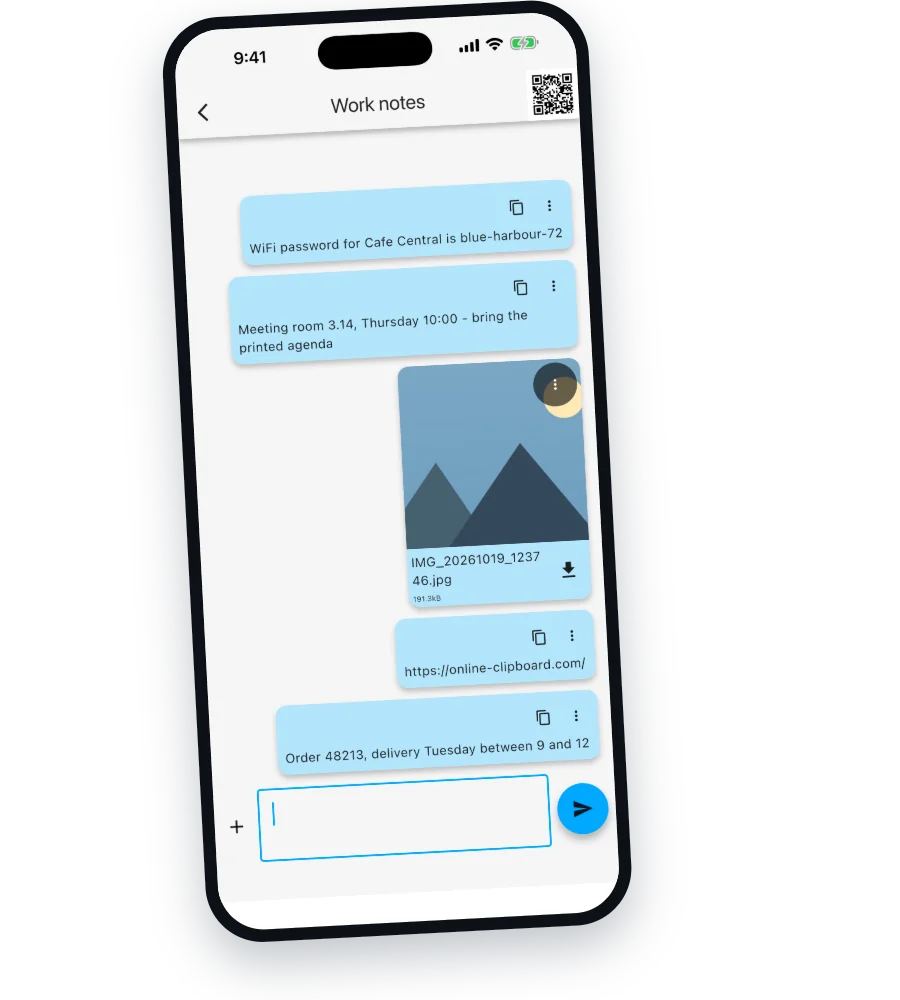
What it looks like
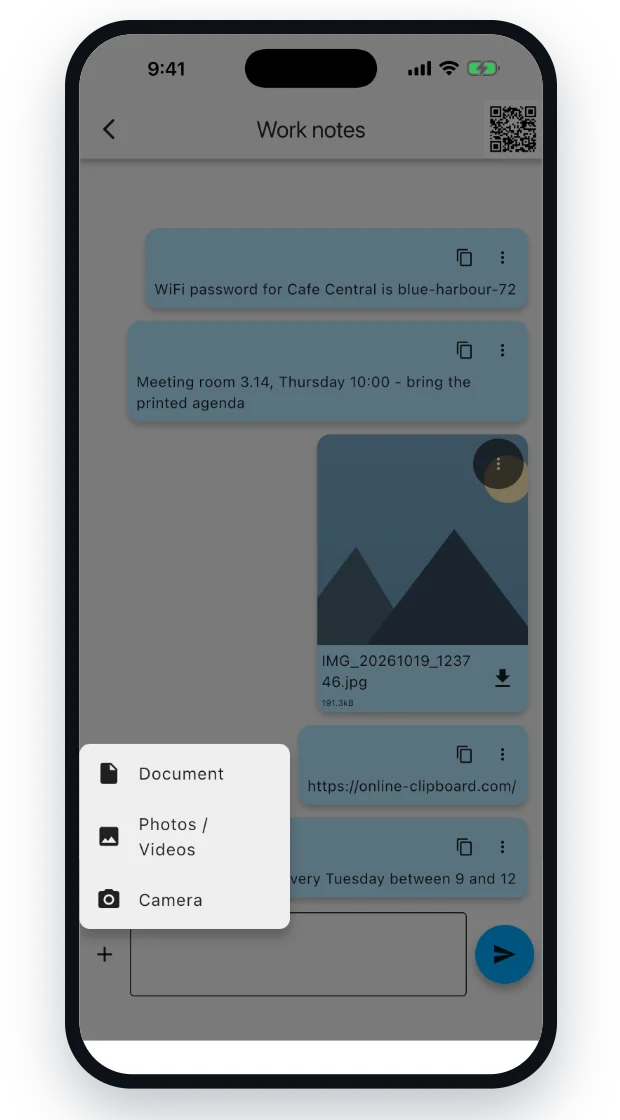
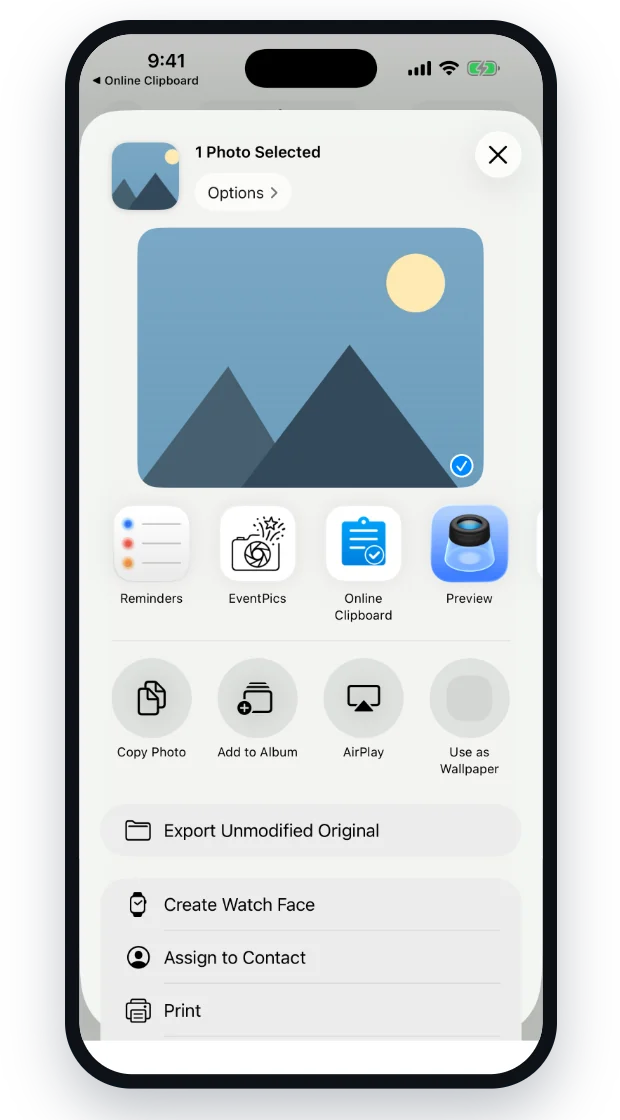
The same board on every device you open it on.
How the online clipboard works
Three steps, about ten seconds. Nothing to install on either device.
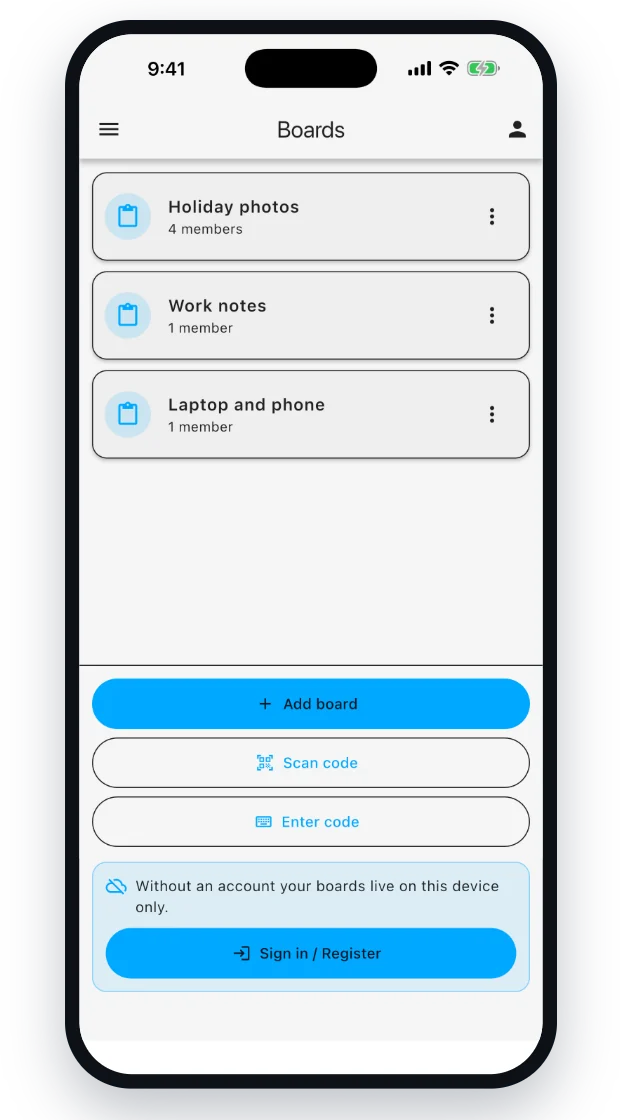
- Open a boardOne click creates a fresh board with its own private link. You are not asked for an email address.
- Drop in what you needType or paste text, drag files into the window, or pick photos and videos from your device.
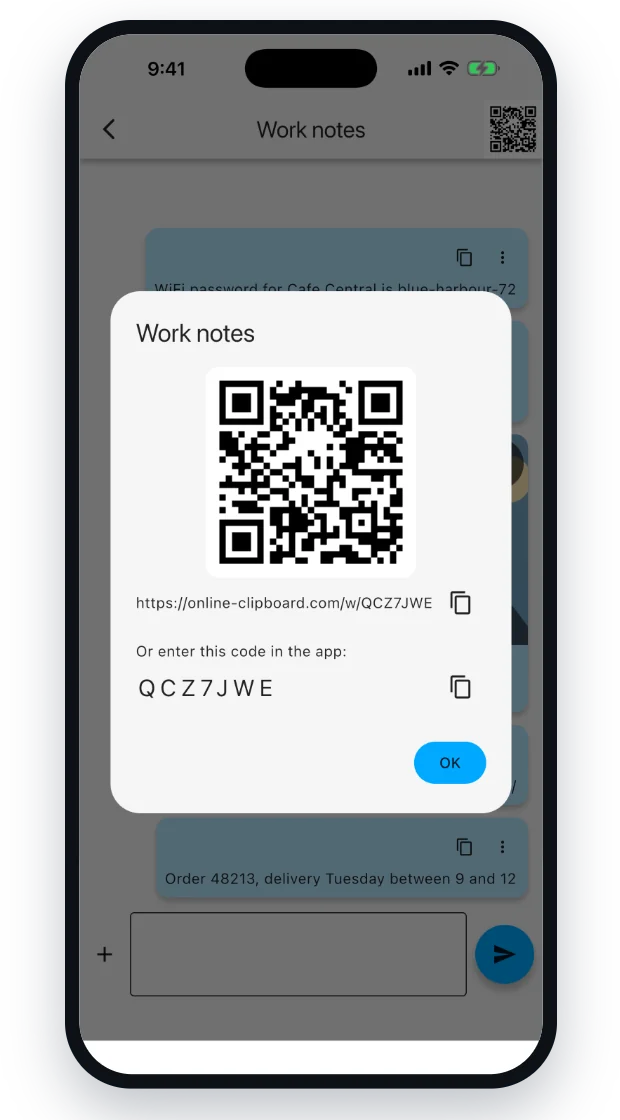
- Scan the QR codeYour other phone, a colleague’s laptop, a machine in an internet café, scan, and everything is there. Changes sync live in both directions.
When your devices don’t match
If both devices come from the same world, this problem was solved years ago. It gets awkward precisely when they don’t, an iPhone next to a Windows PC, an Android phone next to a MacBook, a personal phone next to a work laptop.
| Method | Account needed | Works between | Files |
|---|---|---|---|
| AirDrop | – no | Apple to Apple only | yes |
| Windows clipboard / Link to Windows | ✕ Microsoft account | Windows and Android | limited |
| Messaging yourself | ✕ on both ends | wherever the app runs | photos get recompressed |
| Emailing yourself | ✕ mailbox | anywhere | attachment size limits |
| Cloud storage | ✕ on both ends | anywhere | yes |
| Online Clipboard | ✓ no | any combination | yes, untouched |
The difference is not the technology, it is the prerequisite. Online Clipboard is a web page. Both devices need nothing but a browser, and they never have to agree on anything. That also covers the hotel lobby PC and the machine at the copy shop, where you cannot install anything and would rather not sign in to your own accounts.
Three situations it solves
From your phone to your computer
You have an address, a phone number or a photo on your phone and need it on the computer. Open Online Clipboard on the computer, scan the QR code with the phone, and drop the content into the board. It appears on the computer immediately; one click on the copy icon puts it into your system clipboard, ready to paste as usual.
From your computer to your phone
The other direction works the same way and comes up more often: a long URL, a Wi-Fi password, a PDF you need while out. Instead of typing it over or sending it to yourself, drop it into the board and scan the QR code. It is on the phone before you would have found the keyboard.
To somebody else
A board is not limited to your own devices. Share the link, or just hold up the QR code, and the other person can read along and add things themselves. They do not need an account either. Handy when someone needs a document for a minute and neither of you wants to add the other on a messenger or in a shared drive.
What you can move
Text and links
Wi-Fi passwords, URLs, addresses, snippets of code. One tap copies an entry straight back to your system clipboard.
Photos and videos
Straight from your camera roll, or shot on the spot with the camera. Images preview right in the board.
Documents
PDFs, spreadsheets, archives, anything else. Drag them into the window and download them on the other side.
More than one person
Several people can use the same board. Everyone sees what the others add, in real time.
How long things stay, and who can see them
A transfer tool should not quietly turn into an archive. So Online Clipboard cleans up after itself.
Everything disappears after seven days
Entries and their files are deleted automatically seven days after they were posted, you do not have to do anything. Save whatever you want to keep to your own device before then.
Where the data sits
Text entries, board titles and member lists are stored in a database in Frankfurt, and the servers handling your requests run there too. Uploaded files are placed according to where the uploader is: from the EU and the EEA into storage bound to the EU, from elsewhere into global storage. Delivery runs through a content delivery network that may cache copies to keep downloads fast; the placement above describes where the files are stored.
The link is the key
Anyone who knows a board’s address can open it and post to it, so treat it like a key and share it deliberately. Board addresses are randomly generated and excluded from search engines, so they never turn up in search results.
For genuinely sensitive material, use something else. Bank details, copies of ID documents, contracts, those belong in a tool built for end-to-end encrypted transfer. Online Clipboard is built for everyday use: push something across quickly that is allowed to disappear again.
Questions
Do I need an account?
No. Open the app and a board is ready. There is no registration, no email address and no password, on any of the devices involved.
Do I have to install anything?
No. It runs in the browser on desktop and mobile. You can add it to your home screen if you want it to feel like an app, but nothing needs to be installed for it to work.
Does this work between iPhone and Windows?
Yes, and that is exactly what it is for. Because it is a web page, it does not matter which operating systems the two devices run. Android to Mac, iPad to Linux, work laptop to personal phone, same thing every time.
How long do my entries stay available?
Seven days from the moment you post them, after which the entry and its files are removed automatically.
Is there a file size limit?
Large files work; a full-length video is fine. Upload speed is limited by your own connection, and a progress indicator shows how far along the transfer is.
Can several people use the same board?
Yes. Anyone with the link or the QR code can read along and add things. Everyone sees changes in real time.
What does it cost?
Nothing.
Guides
Practical walk-throughs for the situations this comes up in.
Move something across, right now
Open a board on this device and scan the QR code with the other one.
Open Online Clipboard